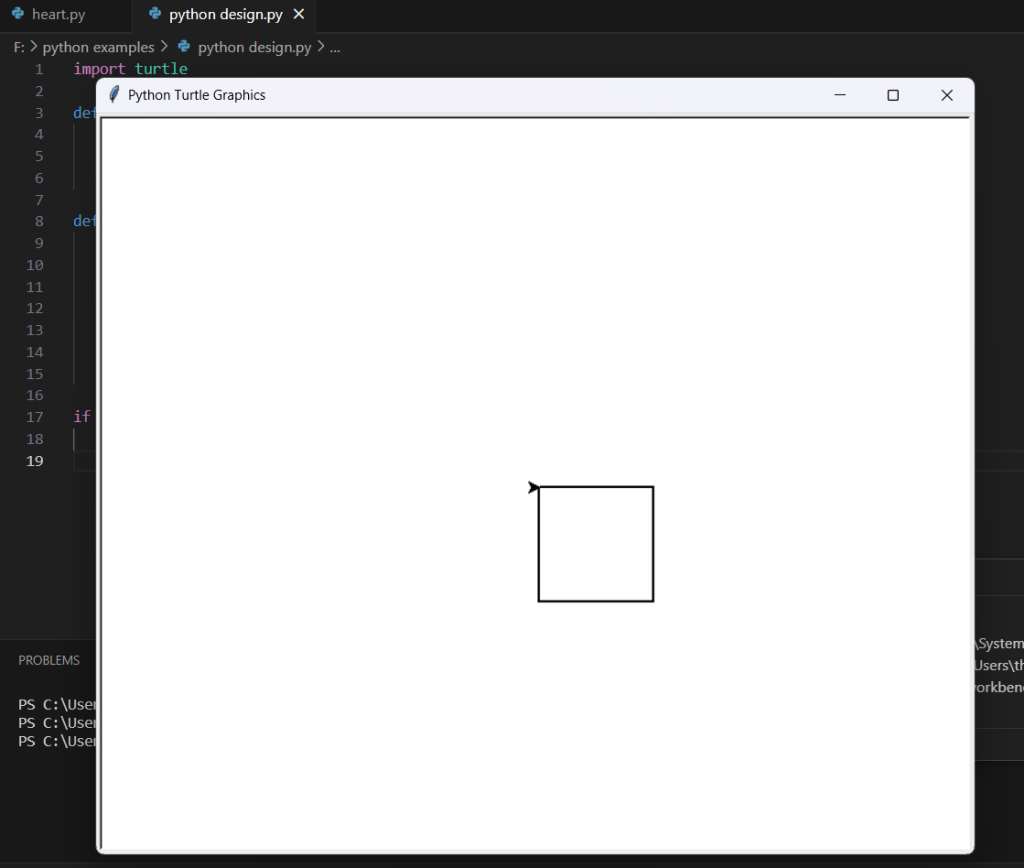
The provided Python code uses the turtle module to draw a simple square design. The draw_square function defines a routine to draw a square based on a specified side_length. The turtle module provides a virtual canvas where a turtle can move and draw. The turtle.forward method moves the turtle forward by the specified distance, and turtle.right turns the turtle to the right by the specified angle (90 degrees in this case). The main function sets the drawing speed and pen size, then calls the draw_square function with a side length of 100 units. Finally, the turtle.done() function is used to display the drawn square in a graphics window. Users can customize the side_length parameter to vary the size of the square, and they can further modify the code to create more intricate designs using turtle graphics.
Source code
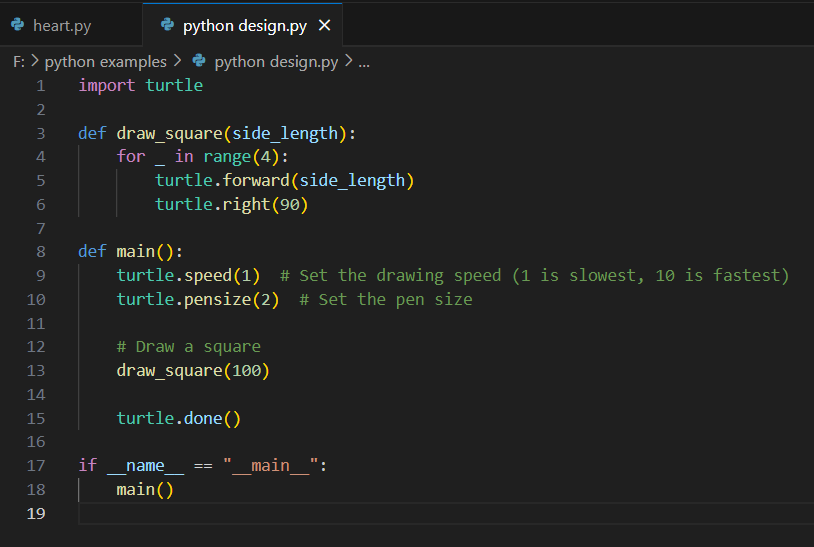
import turtle

def draw_square(side_length):
    for _ in range(4):
        turtle.forward(side_length)
        turtle.right(90)

def main():
    turtle.speed(1)  # Set the drawing speed (1 is slowest, 10 is fastest)
    turtle.pensize(2)  # Set the pen size

    # Draw a square
    draw_square(100)

    turtle.done()

if __name__ == "__main__":
    main()
Description
- Import Turtle Module:
import turtleThe code starts by importing theturtlemodule, which provides a simple drawing library. - Define the
draw_squareFunction:def draw_square(side_length): for _ in range(4): turtle.forward(side_length) turtle.right(90)This function takes aside_lengthparameter and uses a loop to draw a square. It moves the turtle forward by the specifiedside_lengthand then turns the turtle to the right by 90 degrees, repeating this process four times to complete the square. - Define the
mainFunction:pdef main(): turtle.speed(1) turtle.pensize(2) draw_square(100) turtle.done()Themainfunction sets the drawing speed to 1 (slowest) and the pen size to 2. It then calls thedraw_squarefunction with aside_lengthof 100 to draw a square. Finally,turtle.done()is called to display the drawn square in a graphics window. - Run the Program:
if __name__ == "__main__": main()This block ensures that themainfunction is executed only if the script is run directly (not imported as a module). When you run the script, a turtle graphics window will open, and a square will be drawn.
Feel free to experiment with the code by changing parameters like side_length in the draw_square function or adjusting the drawing speed and pen size in the main function. This simple example serves as a foundation for creating more complex turtle graphics designs in Python.
Screenshot
Output: