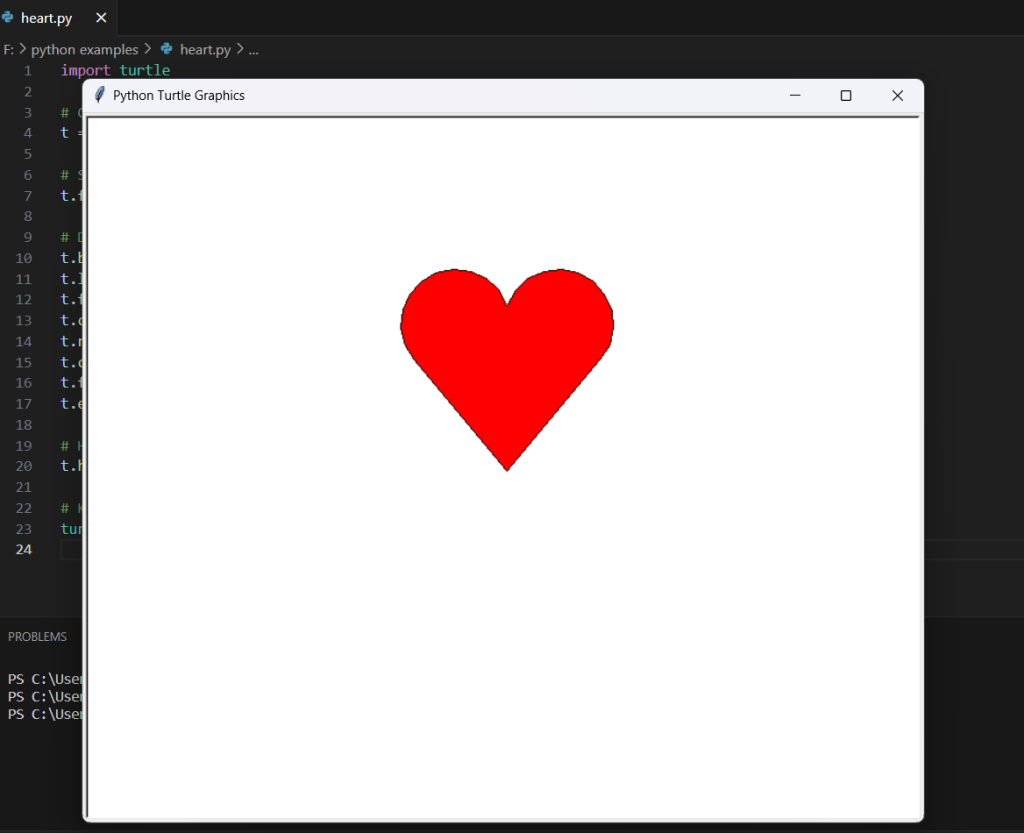
The provided Python code utilizes the turtle graphics module to create a visual representation of a heart shape. The turtle graphics module is a popular tool for introducing programming concepts through drawing. In this script, a turtle object is created, and its fill color is set to red. The turtle is then directed to draw a heart by moving and turning in specific patterns. The begin_fill() and end_fill() functions are used to fill the heart shape with the specified color. The resulting image is a vibrant red heart displayed in a window. By adjusting parameters and experimenting with the code, users can customize the size and appearance of the drawn heart. The script serves as a playful introduction to basic Python programming and graphical representation using the turtle graphics module.
Source code
import turtle

# Create turtle object
t = turtle.Turtle()

# Set the fill color
t.fillcolor('red')

# Draw a heart
t.begin_fill()
t.left(50)
t.forward(133)
t.circle(50, 200)
t.right(140)
t.circle(50, 200)
t.forward(133)
t.end_fill()

# Hide turtle
t.hideturtle()

# Keep the window open
turtle.mainloop()
Description
- Import the Turtle Module:
import turtleThis line imports the turtle graphics module, which provides a simple way to draw graphics using a turtle that moves around the screen. - Create a Turtle Object:
t = turtle.Turtle()This line creates a turtle object namedt, which can be controlled to draw on the screen. - Set the Fill Color:
t.fillcolor('red')This line sets the fill color of the turtle to red, indicating that the heart shape will be filled with this color. - Begin Filling the Heart:
t.begin_fill()This line marks the beginning of the filling process for the heart shape. - Draw the Left Side of the Heart:
t.left(50) t.forward(133) t.circle(50, 200)These lines instruct the turtle to move left at a 50-degree angle, then move forward by 133 units, and draw a partial circle with a radius of 50 and an arc of 200 degrees. - Draw the Right Side of the Heart:
t.right(140) t.circle(50, 200) t.forward(133)These lines instruct the turtle to turn right by 140 degrees, draw another partial circle on the opposite side, and move forward to complete the heart shape. - End Filling the Heart:
t.end_fill()This line marks the end of the filling process, completing the heart shape. - Hide the Turtle:
t.hideturtle()This line hides the turtle cursor, leaving only the drawn heart visible. - Keep the Window Open:
turtle.mainloop()This line ensures that the window displaying the drawn heart remains open.
By executing this Python script, you’ll see a red heart drawn on the screen using the turtle graphics module. Adjusting parameters or experimenting with the code allows for customization of the heart’s size and appearance.
Screenshot
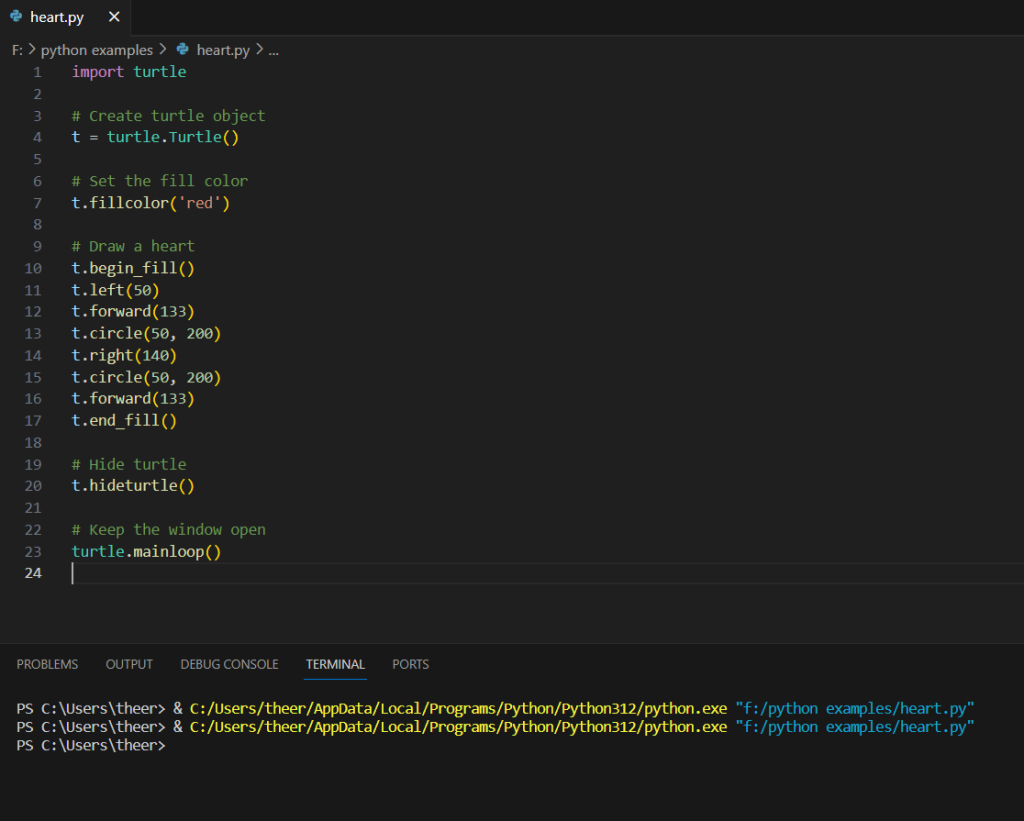
Output: